

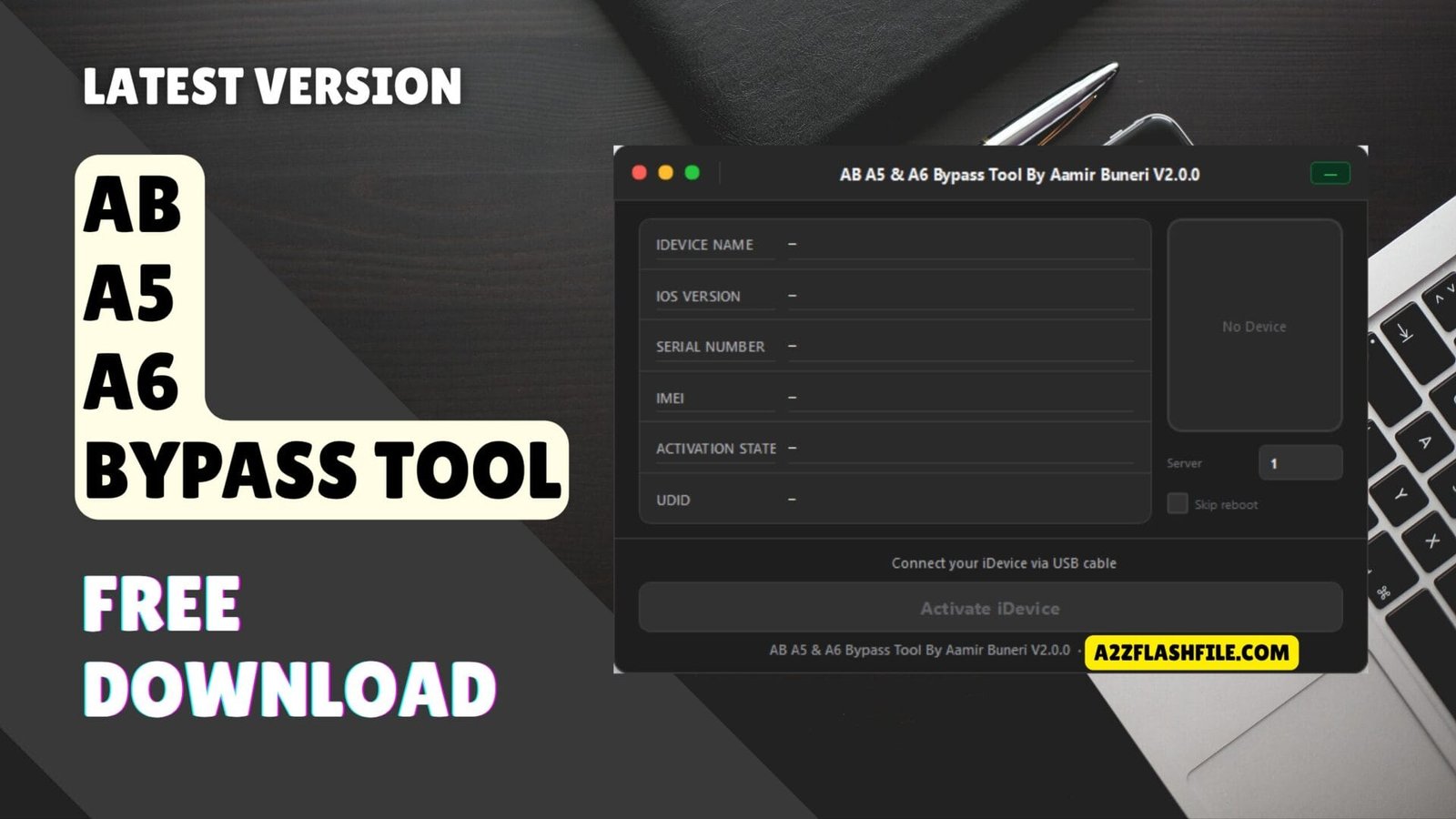
The ab a5 & a6 bypass tool provides a simple one-click solution to remove icloud activation locks from older apple devices including iphone 4s 5 5c and ipad models.
Getting Locked Out Of Your Old Iphone Or Ipad Because Of Icloud Activation Is One Of The Most Frustrating Tech Moments—especially When It’s A Perfectly Good Device Just Sitting There Unusable. Maybe It’s An Old Iphone 5 You Found In A Drawer Or An Ipad 4 Your Kid Used To Love And Now It’s Asking For An Apple Id You Don’t Remember Or Never Had Access To In The First Place. You’re Not Trying To Do Anything Shady—you Just Want To Use What’s Rightfully Yours.
That’s Where The Ab A5 & A6 Bypass Tool Comes In. This Guide Will Walk You Through How This Windows-based Tool Offers A Simple One-click Solution To Bypass Icloud Activation On Older Apple Devices Like The Iphone 4s 5 5c And Several Ipad Models. Whether You’re A Beginner Or Just Someone Looking For A Stable Untethered Bypass Method That Actually Works You’ll Find Everything You Need To Get Your Device Back Up And Running.
What Is The Ab A5 & A6 Bypass Tool
Look The Ab A5 & A6 Bypass Tool Isn’t Some Fancy Enterprise Software. It’s A Straightforward Windows Program Built For One Job: Getting Past Those Irritating Icloud Activation Screens On Older Iphones And Ipads. We’re Talking A5 And A6 Chip Devices Here—the Ones Apple Stopped Updating Years Ago But Still Work Fine If You Can Actually Use Them. The Beauty Of This Thing? It’s Untethered. That Means You’re Not Stuck Reconnecting To Your Pc Every Time Your Ipad 2 Decides To Restart.
Here’s What Makes It Worth Downloading. First Off It’s Genuinely Easy To Use—no Terminal Commands No Hunting Down Obscure Python Scripts. You Get A One-click Bypass That Handles The Technical Stuff While You Wait. It Covers Pretty Much Every Older Device You’d Want To Unlock: Iphone 5 Iphone 5c Iphone 4s All The Way Down To Ipad Mini 1 Ipad 3 Ipod Touch 5 Even Apple Tv 3 If That’s Your Thing.
Download The Ab A5 & A6 Bypass Tool Latest Version
Grabbing The Latest Version Isn’t Complicated But Don’t Just Click The First Sketchy Link Google Throws At You. Stick With Known Forums Or Trusted Tech Communities Where People Actually Test These Tools. The Download’s Free And Works On Any Windows Machine From 7 Onwards—though Honestly If You’re Still Running Vista You’ve Got Bigger Problems. Make Sure You’ve Got At Least 2gb Ram And A Decent Usb Cable Because Those Cheap Gas Station Cables Will Absolutely Ruin Your Day Mid-bypass.
After Downloading Extract Everything And Right-click To Run As Administrator. Windows Will Probably Throw A Fit About Unrecognized Publishers—that’s Normal For Tools Like This. Install The Drivers It Asks For And Yeah Temporarily Kill Your Antivirus Unless You Want It Deleting Files Mid-install. Once Everything’s Set Up Plug In Your Locked Device Fire Up The Program And Hit That Bypass Button. Takes Maybe Ten Minutes Start To Finish.
Key Features
- Untethered Icloud Bypass – Permanent Unlock That Survives Reboots Without Reconnection
- One-click Bypass – Simple Single-button Activation Process For Quick Results
- Supports A5 And A6 Devices – Designed Specifically For Older Apple Processors
- Windows Tool – Compatible With Windows 7 8 10 And 11 Operating Systems
- Easy To Use – User-friendly Interface Requiring No Technical Knowledge
- Stable Bypass – Reliable Performance Without Crashes Or Random Lockouts
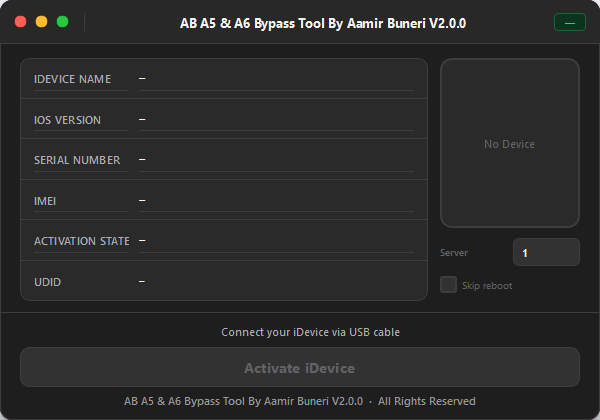
Easy-to-use windows software that bypasses icloud activation locks on iphone 4s iphone 5 iphone 5c ipad 2 ipad 3 ipad 4 and ipad mini 1 with untethered one-click solution.
Compatible Devices That Work
- Iphone 5 – Full Bypass Support For All Ios Versions
- Iphone 5c – Complete Icloud Activation Lock Removal
- Iphone 4s – Untethered Bypass With Stable Functionality
- Ipad 4th Generation – Works On All Ipad 4 Models
- Ipad 3 – Third Generation Ipad Fully Supported
- Ipad 2 – Second Generation Ipad Compatible
- Ipad Mini 1 – First Generation Ipad Mini Supported
- Ipod Touch 5 – Fifth Generation Ipod Touch Bypass Ready
- Apple Tv 3 – Third Generation Apple Tv Unlock Capability
Which Devices Are Compatible With This Tool
Compatibility’s Pretty Straightforward With This One. You’re Looking At Devices Powered By A5 And A6 Processors Which Covers A Solid Chunk Of Apple’s 2011-2013 Lineup. The Iphone 4s Iphone 5 And Iphone 5c All Work Perfectly With The Tool. On The Tablet Side You’ve Got The Ipad 2 Ipad 3 Ipad 4th Generation And The Original Ipad Mini Covered.
Don’t Forget About The Smaller Stuff Either. The Ipod Touch 5th Generation Works Just Fine Which Is Great If You’ve Got One Lying Around That You Want To Turn Into A Dedicated Music Player. Even The Apple Tv 3 Is Supported Though Honestly That’s A Pretty Niche Use Case. Just Remember—newer Devices With A7 Chips And Beyond Won’t Work Here. This Tool’s Strictly For The Older Hardware That Apple’s Basically Abandoned At This Point.
Is The Bypass Permanent And Safe To Use
The Untethered Icloud Bypass This Tool Provides Is Permanent As Long As You Don’t Restore Or Update Your Device Through Itunes. That’s The Catch—hit That Restore Button And You’re Right Back To Square One With The Activation Lock. The Bypass Stays Stable Through Regular Reboots And Daily Use So You Don’t Have To Worry About It Suddenly Locking You Out Again While You’re In The Middle Of Something.
As For Safety The Tool Itself Won’t Brick Your Device If You Follow The Instructions Properly. However Bypass Tools Exist In A Legal Gray Area—using Them On Devices You Don’t Own Is Definitely Problematic. Stick To Your Own Hardware Or Devices You’ve Legitimately Purchased Secondhand. Also Remember That Bypassed Devices Can’t Access Certain Apple Services Like Icloud Facetime Or The App Store In Some Cases. You’re Getting Basic Functionality Back Not Full Ecosystem Integration.
Can I Update Ios After Using The Bypass Tool
Short Answer: Don’t Do It. The Second You Try Updating Ios Through Settings Or Itunes You’ll Trigger The Activation Lock Again And Lose The Bypass Completely. Apple’s Activation Servers Will Check For The Original Apple Id And Since You Bypassed It Rather Than Removed It Properly You’ll Be Stuck At The Activation Screen Again. This Is Probably The Biggest Limitation Of Bypass Tools In General.
If You Absolutely Need Security Patches Or New Features You’re Basically Out Of Luck With This Method. The Trade-off For Getting Your Device Working Again Is Staying On Whatever Ios Version It’s Currently Running. Most People Using This Tool Are Fine With That Since We’re Talking About Devices Running Ios 7-9 Anyway—not Exactly Cutting-edge Stuff. Just Disable Automatic Updates Immediately After Bypassing To Avoid Any Accidental Updates That’ll Wreck Everything.
Frequently Asked Questions
Does This Tool Work On Iphone 6 Or Newer Models?
No It Only Supports A5 And A6 Devices. Iphone 6 And Later Use A8+ Chips Which Require Different Bypass Methods.
Will I Be Able To Make Calls And Use Cellular Data After Bypass?
Yes Basic Phone Functions Like Calls Texts And Cellular Data Work Fine On Bypassed Devices. Only Some Apple Services Are Limited.
Do I Need A Mac Computer Or Does Windows Work?
This Is Strictly A Windows Tool. Mac Users Need To Either Use Boot Camp Or Find Alternative Bypass Software.
Can I Sign In With A Different Apple Id After Bypassing?
You Can Try But Most Bypassed Devices Have Limited Access To Icloud Services. Best To Use It Without Signing Into Apple Accounts.
Conclusion
If You’ve Got An Old Iphone 5 Ipad 2 Or Any Other A5/a6 Device Gathering Dust Because Of An Icloud Lock The Ab A5 & A6 Bypass Tool Offers A Practical Solution. It’s Not Perfect—you’ll Lose Some Apple Ecosystem Features And Can’t Update Ios Afterward—but For Most People Getting A Functional Device Back Beats Having Expensive Paperweight. The One-click Process Makes It Accessible Even If You’re Not Particularly Tech-savvy And The Untethered Bypass Means You Won’t Be Tethered To Your Computer Every Time You Restart.
Just Remember To Download From Trusted Sources Follow The Instructions Carefully And Only Use This On Devices You Legitimately Own. While The Tool Itself Works As Advertised You’re Responsible For Using It Ethically And Understanding The Limitations That Come With Bypassing Apple’s Security. For Older Devices That Would Otherwise Be Unusable Though It’s Genuinely One Of The Better Free Options Available Right Now.
How To Download
To Download AB A5 & A6 Bypass Tool Follow These Steps:
- Go To The Gsmatoztool.com Website Of AB A5 & A6 Bypass Tool.
- Find The Download Page And Don’t Click Button And Click Only The (Download Link)
- Below Buttons Are Advertisements. Please Use The Download Links Above.
- Wait For The Download To Complete.
- Locate The Downloaded File On Your Device Once The Download Is Finished.
- Double-click On The File To Start The Installation Process.
- Follow The On-screen Instructions To Complete The Installation.
AB A5 & A6 Bypass Tool by Aamir Buneri
Download Link:: Usersdrive – Mediafire – 4shared – My.pcloud – Mega – Vexfile – Google Drive – Drive Proton