
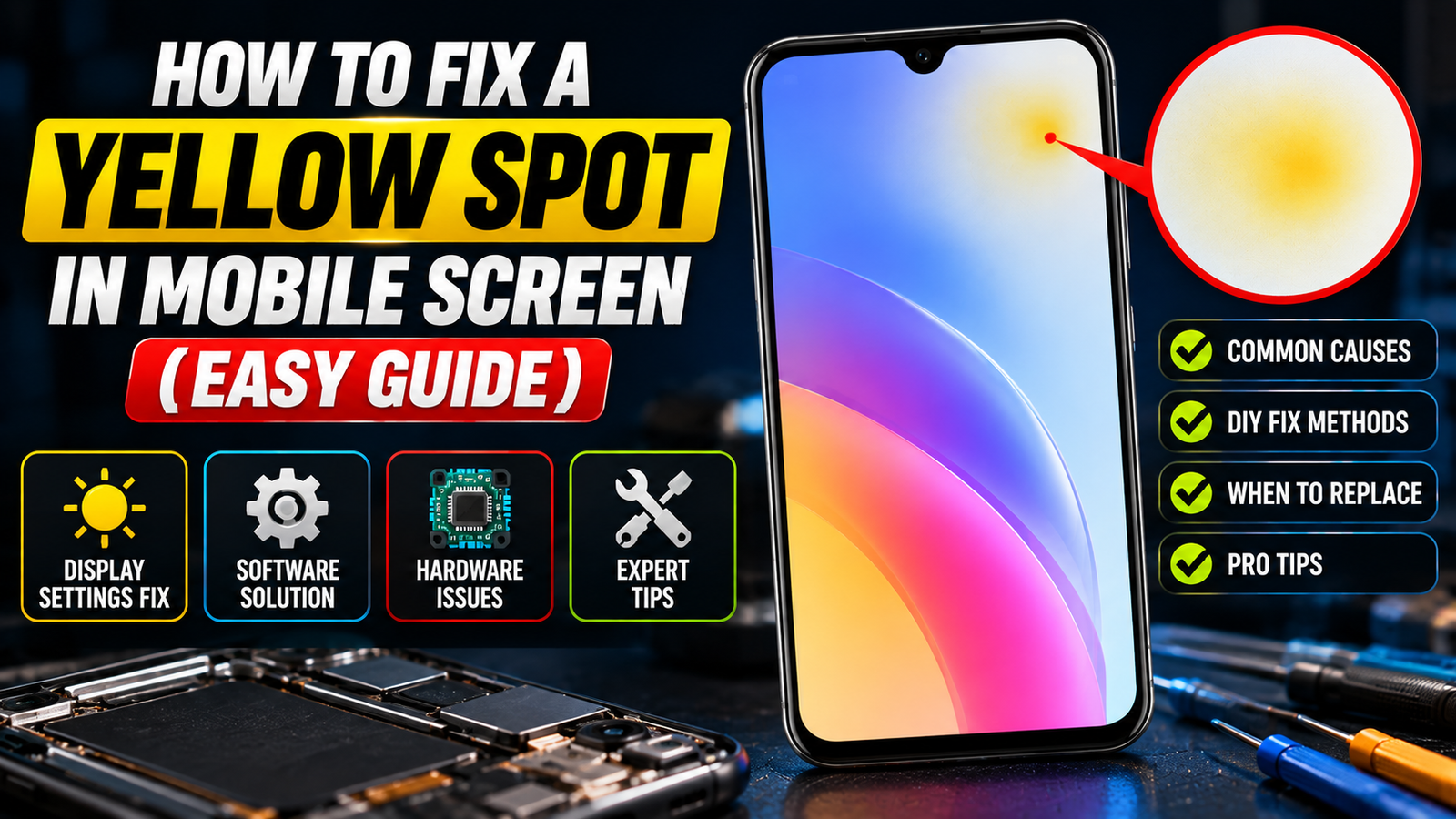
A yellow spot in a mobile screen can come from pressure damage a display fault or a software glitch and a close-up helps you tell which one you’re dealing with.
Noticing A Yellow Spot In Mobile Screen Of Your Mobile Device Is Very Frustrating. Whether You Have An Iphone Or A Samsung Device The Unexpected Yellow Tint Displays Interfere With Your Mobile Device Viewing Experience. Understanding The Reason For The Yellow Tint On Your Display And The Ways In Which You Can Address This Issue Will Help You Decide Whether To Replace Your Mobile Device Or To Have It Repaired.
Understanding The Yellow Screen Issue
A Yellow Screen Problem Can Stem From Various Software Configurations Or Underlying Hardware Complications Within Your Mobile Device. Many Users Panic When They First See A Yellowish Hue Assuming Their Expensive Phone Is Permanently Damaged. However The Root Cause Might Simply Be An Active Display Setting Or A Software Glitch That Alters The Natural Colour Output Of Your LCD Or Oled Panel Rather Than A Severe Physical Defect Requiring Professional Intervention.
What Causes A Yellow Phone Screen?
Unintended Yellowing Of Your Screen Usually Happens Because Of A Misconfigured Blue Light Filter Or Anight Light Setting. Eye Comfort Settings Are Usually Provided To Protect Your Eyes From Strain By Changing The Color Temperature Of The Screen To Be Warmer E.g. More Yellow. Sometimes Your Phone May Think It Needs To Protect Your Eyes From Strain By Applying A Yellow Filter Based On Recent Software Updates Or If The Phone’s Software Develops A Glitch.
Identifying Yellow Spots On Your Display
When You Begin To See Localized Yellowing Instead Of General Discoloration That’s Probably From Heat Exposure Or Adhesive Failure During The Manufacturing Process. You Will Need To Take A Screenshot To Know For Sure If The Issue Is A True Hardware Failure. A Screen Capture Test Would Work As Well. Assuming The Captured Image Appears Normal On Another Device You Are Working With A True Physical Defect Of The Display Screen.
The Impact Of Burn-in On Phone Screens
Prolonged Display Of Static Images On Your Phone Can Lead To Screen Burn-in. In Severe Cases This Can Damage Your Phone’s Display. This Can Lead To Permanent Unattractive Discoloration As Well As Ghost Images On Your Phone’s Display. This Is Common In Oled Displays As Individual Pixels Can Degenerate And Degrade Over Time. While Simple Changes To Your Phone’s Software Settings May Not Address Burn-in It’s Important To Understand How Screen Burn-in Occurs So That You Can Make An Informed Decision On The Best Action To Take To Alleviate This Issue.
Also Read
Methods To Fix A Yellow Spot In Mobile Screen
When Your Phone Or Tablet Display Turns Yellow There Are Some Software Adjustments That Could Help. It Is Always Worth Checking If A Software Bug Is Causing The Yellow Color Cast Before Taking Your Device In For Potential Hardware Service. You Can Try The Following:
- Make Sure Your Display Settings Are Set To An Appropriate Level And That A Recently Installed App Is Not Altering Your Settings.
- Another Possibility Is That Your Phone Has Temporary System Glitches That Cause Yellow Color Cast And Other Display Issues. In This Case Try Restarting Your Phone.
- If These Steps Do Not Help Restore The Display To Its Proper Color Balance Contact Your Device Manufacturer.
Simple Software Fixes for Samsung Devices
You’ll Usually Find The Solution To Yellow Screen Issues On Samsung Devices In The Accessibility And Visual Settings. Here’s What You Need To Do To Fix This Issue:
- Look For An Eye Comfort Shield Or Blue Light Filter Or Any Other Setting That Might Make Your Phone’s Screen Appear Warmer.
- If You Find Any Of These Settings Turn Them Off And Check To See If Your Screen Is No Longer Yellow. If This Fixed The Issue For You You Can Thank Samsung For Providing A Built-in Feature To Fix The Yellow Screen Issue For You.
Adjusting Screen Tint Settings
Color Correction Settings Can Neutralize Unwanted Yellowness Or Other Casts In Display Outputs. Mobile Phone Displays Can Sampleright Green And Blue Color Channels To Better Represent Colors. Red Channel Clipping Results In Display Outputs Having A Warmer Tint. To Counteract Such Tints The Color Balance Should Be Adjusted To The Cooler Side. The Desired Effect Of Such Adjustment Is To Transform A Display Output To Represent Colors More Accurately.
When to Consider an LCD Replacement
When Color Adjustments And Software Fixes Can’t Get Rid Of The Yellow Spot In Mobile Screen Or Other Discolorations It’s Likely Due To Physical Damage Or Burn-in. Permanent Damage Or Liquid Impact On Your Lcd Or Oled Panel Can’t Be Fixed Temporarily. If Your Panel Has Severely Degraded The Best And Only Long-term Solution Would Be To Get It Replaced By A Professional.
Preventing Future Yellow Screen Problems
Preventing Future Issues With Your Phone Display Usually Requires A Change In The Way You Use And Take Care Of Your Phone. If You Want To Protect Your Investment Taking Preventative Measures Will Help Minimize The Risk Of Getting An Ugly Yellow Display. There Are A Lot Of Things In The World That Can Damage Your Phone But If You Plan And Take The Right Preventative Measures You Can Avoid The Need For A Costly Repair Or Early Replacement.
Tips for Maintaining Your Phone Screen
Here Are Some Easy Habits To Help You Keep Your Display In Great Condition. You Should:
- Regularly Clean The Front Surface Of Your Display Using A Microfiber Cloth
- Avoid Using Your Phone In Extremely Hot Or Cold Environments And Don’t Let Your Phone Overheat While Charging Or While Running Intensive Apps
- Reduce The Amount Of Time You Let Static Images Remain On Your Display
Caring For Your Display In These Ways Will Help Keep The Pixels On Your Display In Great Condition And Prevent Burn-in As Well As A Yellowish Tint From Occurring On Your Display.
Using Protective Cases and Screen Protectors
Investing In A Protective Case And A Screen Protector Can Guard Against Many Kinds Of Physical Damage. A Case Helps Absorb Shock If Your Device Is Dropped. Protectors On The Other Hand Help Shield The Glass From Scratches And Pressure That Can Cause Bumper/yellow Spots To Form. These Help To Keep Your Screen Looking As Good As The Day You Bought It. These Are Relatively Inexpensive Ways To Help Keep Your Phone Looking New.
Regular Software Updates and Their Importance
Bugs In Your Display Settings Or Color Calibration Are Best Addressed In Software Updates. Manufacturers Routinely Issue Updates For Os Or Software To Eliminate Bugs. The Updates May Improve The Stability Of Your System. The Updates May Also Enhance The Ways The System Manages The Thermal And Power Resources. Since There Is The Potential For Software-related Distortions Of Color Periodic Updates Are Important. The Updates Improve The User Interface. The Interface Of Course Includes The Screen. A Regular Updating Of The Software May Help The Screen To Retain Its Potential For Generating Vivid Colors.
What Causes A Yellow Spot In Mobile Phone Screen?
This Issue Is Caused By Physical Damage Or Deterioration Of Components That Affects The Display. Some Common Causes Include:
- Pressure: Repeated Bending Or Hard Drops Can Physically Bruise The OLED Or LCD Layers And Cause A Discoloration That Appears As A Yellow Spot.
- Heat: OLED Or LCD Layers Are Affected By Heat And Can Cause The Layers To Discolor And Yellow Tint To Appear.
- Moisture: Water Or Another Liquid Can Cause Oxidation To The Adhesives Or The Display Panel And Result In A Yellow Spot.
- Old Screen Protector Adhesive: Yellow Coloration Can Appear Due To Oxidation Of The Adhesive. This Can Occur Between The Glass And The Protector.
- Aging Of The LCD Panel Or Burn-in Of The Oled Panel: A Static Image Especially When Left On The Display For A Prolonged Period Can Cause Burn-in On Oleds. LCDs Can Also Experience Aging Whereby The Backlights And Other Layers Can Discolor And Take On A Yellow Tint.
Is It A Software Or Hardware Problem? (Screenshot Test)
To See Whether The Yellow Spot In Mobile Screen Is Software Or Hardware Problem Please Perform The Following Test:
- Take A Full Screen Shot Of The Area Showing The Yellow Spot. Bring That Screenshot To Another Device And Check If The Yellow Spot Is Present In That Screenshot. If The Yellow Spot Is Present In The Screenshot The Problem Is Software Related. If The Yellow Spot In Mobile Screen Is Not Present In The Screenshot The Problem Is Hardware Related (poor Adhesion Of Lcd Panel To The Back Glass Of The Phone Or Hardware Damage).
- Also You Can Check If The Yellow Spot In Mobile Screen Is Present In A Full Screen Solid Color (pure White Red Green Blue Etc.) Images. A Persistent Yellow Spot In Any Of The Colors Is Hardware Related.
How To Fix A Yellow Phone Screen (Software Fixes)
Based On The Results Of The Screenshot Test If There Is A Software Issue Try These Steps To Correct The Software:
- Turn Off Night Light / Eye Comfort: In The Display Settings Turn Off Any Night Light Or Blue Light Filters. Night Light And Similar Features Can Add Warm Tones.
- Set Display Color Mode To Natural: Setting The Color Mode To Natural Removes Some Of The Warm Tones From The Display.
- Turn Off True Tone / Adaptive Colors: Warm Tones Can Also Be Introduced With Adaptive Color Changes.
- Reset Accessibility Colors To Default: If The Tint Is Caused By A Software Bug An Update Should Remove The Bug.
How To Remove Yellow Spots On Phone Screen At Home
Trying These Simple Methods May Resolve Your Minor Case Of The “blues” Before Having To Take Your Phone To A Repair Center:
- Take Out The Screen Protector. You May Have Accumulated A Yellow Residue Or Particles That Stuck To Your Screen Protector.
- Clean The Phone Using A Microfiber Cloth. Turn Off The Phone And Clean The Screen And Edges Using A Microfiber Cloth In A Pressing Motion. If The Cloth Doesn’t Remove The Residue Spray The Microfiber Cloth With Distilled Water To Dampen It And Try Cleaning The Screen Again.
- Rest The Phone. Discoloration May Be Caused By Environment Conditions. To Check If This Is The Case With Your Phone Rest Your Phone In A Cooled Dried Environment And Observe If The Discoloration Improves.
- Avoid Pressing The Yellow Area. Massaging The Area May Cause Further Internal Delamination.
Conclusion
A Yellow Spot In Mobile Screen Could Be Due To Software Issues Or Physical Damage To The Screen. Try The Screenshot Test First. If The Spot Does Not Appear On The Screenshot Then It Could Be A Hardware Issue. Some Simple Software And Adhesive Remedies Includeresetting Your Device Or Using A Screen Adhesive Remover (or A Hair Dryer For Less Potential Damage And Mess). If The Yellow Spot Is Still Apparent Contact A Service Center Or A Repair Shop To Replace The Screen Particularly For Samsung And Oled Screens. It Is Best To Act Quickly To Prevent Further Discoloration And More Expenses.